
GIMP (GNU Image Manipulation Program) is a powerful, open-source image editing application that has earned a strong reputation among designers, photographers, illustrators, and researchers. Known for its flexibility and extensive feature set, GIMP provides professional-grade tools that rival many commercial image editing platforms. Whether used for photo retouching, graphic design, digital painting, or scientific visualization, GIMP offers a reliable and cost-effective solution backed by an active global community.
TLDR: GIMP is a free, open-source image editing software offering professional-level tools for photo editing, graphic design, and digital illustration. It supports advanced features such as layers, masks, customizable brushes, and plugin extensions. Its flexibility, community-driven development, and cross-platform compatibility make it a serious alternative to commercial software. While it may present a learning curve, its capabilities are more than sufficient for both hobbyists and professionals.
What Is GIMP?
GIMP is an open-source raster graphics editor first released in 1996. Developed and maintained by a community of volunteers, it is distributed under the GNU General Public License. This ensures that users can freely install, study, modify, and distribute the software without licensing fees.
Available for Windows, macOS, and Linux, GIMP is valued for its adaptability. Users can alter the interface layout, customize tool behavior, and extend functionality through plugins and scripting. This flexibility makes GIMP suitable across creative industries and technical fields alike.

Core Features of GIMP
One of GIMP’s greatest strengths is the breadth and depth of its features. Below are the most noteworthy capabilities that define its professional standing.
1. Advanced Photo Editing Tools
GIMP provides a comprehensive collection of tools aimed at precise photo manipulation and enhancement. These include:
- Color correction and grading with curves, levels, and color balance adjustments
- Retouching tools such as clone stamp, healing brush, and perspective clone
- Selection tools including free select, fuzzy select, and foreground extraction
- Transform tools for rotation, scaling, shearing, flipping, and perspective correction
High bit-depth color support ensures greater dynamic range and minimized banding, particularly useful for professional photography and print work.
2. Layer-Based Editing
Like other advanced editors, GIMP employs a non-destructive workflow centered around layers. This allows users to:
- Stack multiple visual elements
- Apply blending modes for creative effects
- Use layer masks to control transparency and visibility
- Organize projects into structured groups
Layer masks are particularly valuable in complex compositions, enabling selective editing without permanently altering the underlying image.
3. Custom Brushes and Painting Tools
Digital artists benefit from GIMP’s flexible brush system. Users can create custom brushes, adjust dynamics such as pressure sensitivity, and connect drawing tablets for enhanced control.
- Brush dynamics for simulating natural media
- Ink and airbrush tools for detailed illustration
- Gradient and pattern fills for texture work
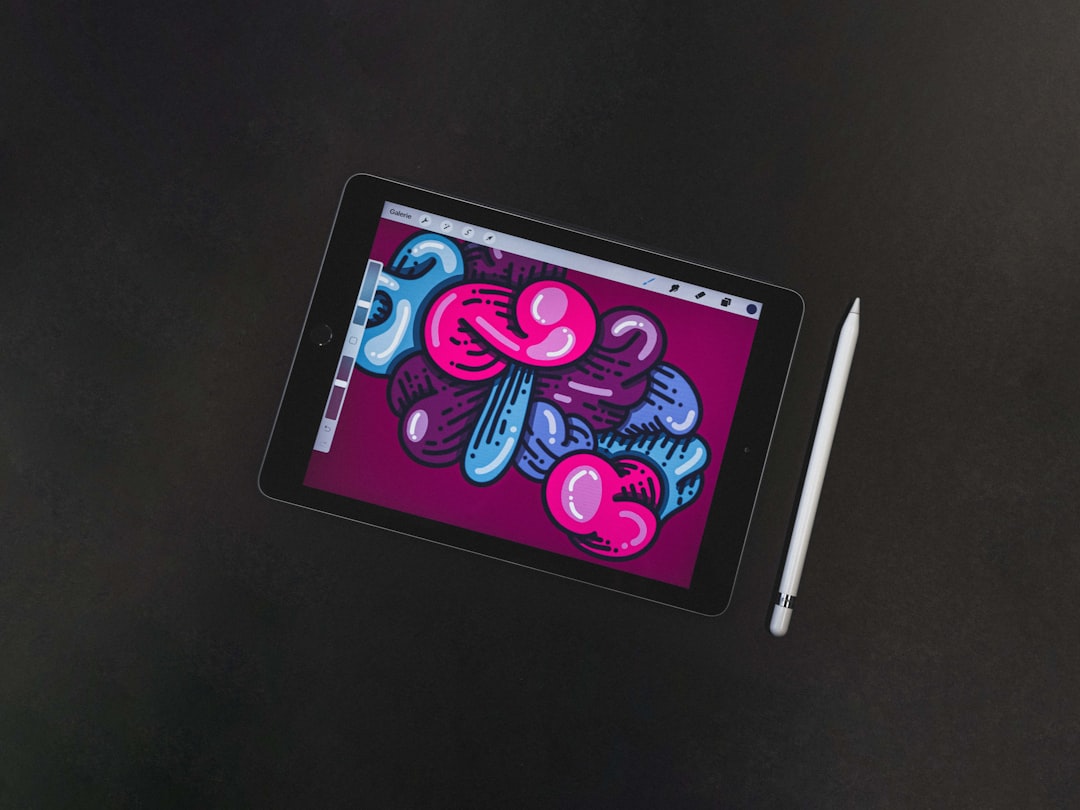
This makes GIMP a viable choice for illustrators, concept artists, and comic designers who prioritize adaptable brush behavior.
4. Extensive File Format Support
GIMP supports a wide range of file formats for importing and exporting, including:
- JPEG, PNG, TIFF, and GIF
- PSD (Adobe Photoshop documents)
- WebP, BMP, and others
- Specialized scientific formats via plugins
The native XCF format preserves layers, channels, and editing history for ongoing work.
5. Plugins and Scriptability
One of the hallmarks of GIMP is its extensibility. Users can install third-party plugins to expand functionality, automate repetitive tasks, or add entirely new features.
Support for scripting languages such as Python and Script-Fu enables customized workflows, which is particularly useful in professional production environments requiring consistency and efficiency.
Common Uses of GIMP
GIMP’s versatility allows it to serve numerous practical applications across industries.
Graphic Design
Designers use GIMP for creating:
- Social media graphics
- Marketing materials
- Web banners and UI elements
- Book covers and promotional posters
Its alignment guides, grid systems, and typography tools provide sufficient control for detailed layout tasks.
Photography and Retouching
Photographers rely on GIMP for:
- Image correction and enhancement
- Removing unwanted objects
- Noise reduction
- Adjusting lighting and exposure
While some high-end proprietary workflows may depend on specialized RAW processing tools, GIMP integrates with external converters for extended compatibility.
Digital Illustration
With tablet compatibility and customizable brushes, illustrators can produce professional artwork directly within GIMP. Comics, character designs, and concept sketches are common outputs.
Scientific and Academic Applications
Beyond creative industries, GIMP is frequently used in academic research and science. Researchers utilize it to:
- Annotate microscopy images
- Prepare publication-ready figures
- Process satellite imagery
- Visualize technical data
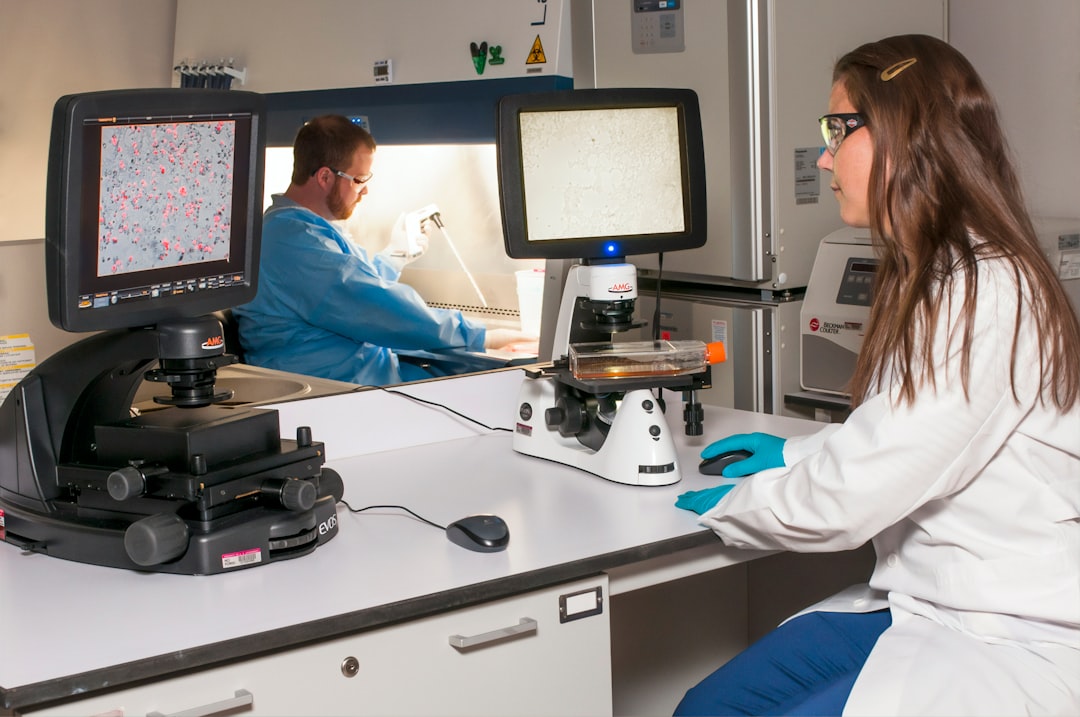
Its open-source nature makes it especially attractive to institutions with budget constraints and technical customization needs.
Benefits of Using GIMP
1. Cost Efficiency
The most obvious advantage is that GIMP is completely free. There are no subscription fees, no hidden costs, and no licensing restrictions. For freelancers, students, and nonprofit organizations, this represents substantial savings.
2. Open-Source Transparency
Because its source code is publicly accessible, GIMP fosters trust and security. Users and organizations can audit the code, adapt the software to their needs, and avoid dependency on proprietary ecosystems.
3. Cross-Platform Compatibility
GIMP operates consistently across major operating systems. This ensures smooth collaboration in environments where teams use different platforms.
4. Customizable Interface
Users can reshape the interface according to personal preferences:
- Dockable dialogs
- Custom keyboard shortcuts
- Theme adjustments
- Single-window or multi-window modes
This modular structure improves productivity by aligning the software with individual workflows.
5. Active Community and Documentation
A large, international user community supports GIMP through forums, tutorials, documentation, and plugin development. Continuous updates demonstrate long-term project stability.
Limitations to Consider
Despite its strengths, GIMP is not without challenges.
- Learning curve: New users may require time to adjust to its interface and terminology.
- Workflow differences: Professionals transitioning from other software may need to adapt techniques.
- CMYK support: While possible through plugins and workflows, it is not as natively streamlined as in some commercial publishing tools.
However, many of these limitations have been progressively addressed in recent updates, reflecting the responsiveness of its development community.
Who Should Use GIMP?
GIMP is well-suited for:
- Freelancers seeking professional capabilities without ongoing expenses
- Students learning image editing fundamentals
- Nonprofits and educational institutions operating under budget constraints
- Developers and researchers requiring scriptable and customizable tools
- Digital artists who value brush flexibility and workflow control
While large enterprises with deeply integrated proprietary pipelines may opt for commercial systems, many independent professionals find GIMP entirely sufficient for demanding projects.
Conclusion
GIMP stands as a mature, capable, and dependable image editing platform. Its comprehensive feature set—ranging from sophisticated photo manipulation to advanced layering and script automation—demonstrates that open-source software can meet rigorous professional standards. Though it may require initial adaptation, its benefits in flexibility, cost savings, and community-driven innovation are significant.
For individuals and organizations seeking a trustworthy, high-performance image editor without financial barriers, GIMP represents a serious and practical choice. Its longevity and continued development confirm its place as one of the most respected open-source creative tools available today.