



The fastest prototype path is to use Figma when you need design control, and Lovable when you need a working app-like demo with real flows. Figma is still the safer choice for wireframes, interface polish, usability testing, and stakeholder review. Lovable is stronger when the prototype must feel closer to software, with screens, logic, forms, and basic data behavior created quickly from prompts.
TLDR: Use Figma if your main goal is to validate layout, copy, user journeys, and visual hierarchy before engineers write code. Use Lovable if you need a clickable product concept that behaves like a simple web app, such as a booking dashboard with login, filters, and saved records. A small team could spend 2 days building a polished Figma prototype, then another 5 to 10 days converting it into a coded demo; Lovable can often compress the first coded version into one afternoon, though cleanup is still expected. The best choice depends on whether you are testing understanding or functionality.
What “prototype” actually means
A product prototype is not one thing. It can be a sketch, a clickable mockup, a fake checkout, or a basic app connected to sample data. The mistake many teams make is choosing a tool before defining the risk they need to reduce.
Ask one question first: What do we need to learn?
- Do users understand the concept? Use Figma.
- Can users complete the journey? Use Figma or Lovable.
- Does the workflow require logic, data, or state? Use Lovable.
- Do investors or executives need a polished story? Use Figma first, then Lovable if needed.
That answer matters because rapid prototyping is not about making something pretty. It is about cutting uncertainty without burning the budget.

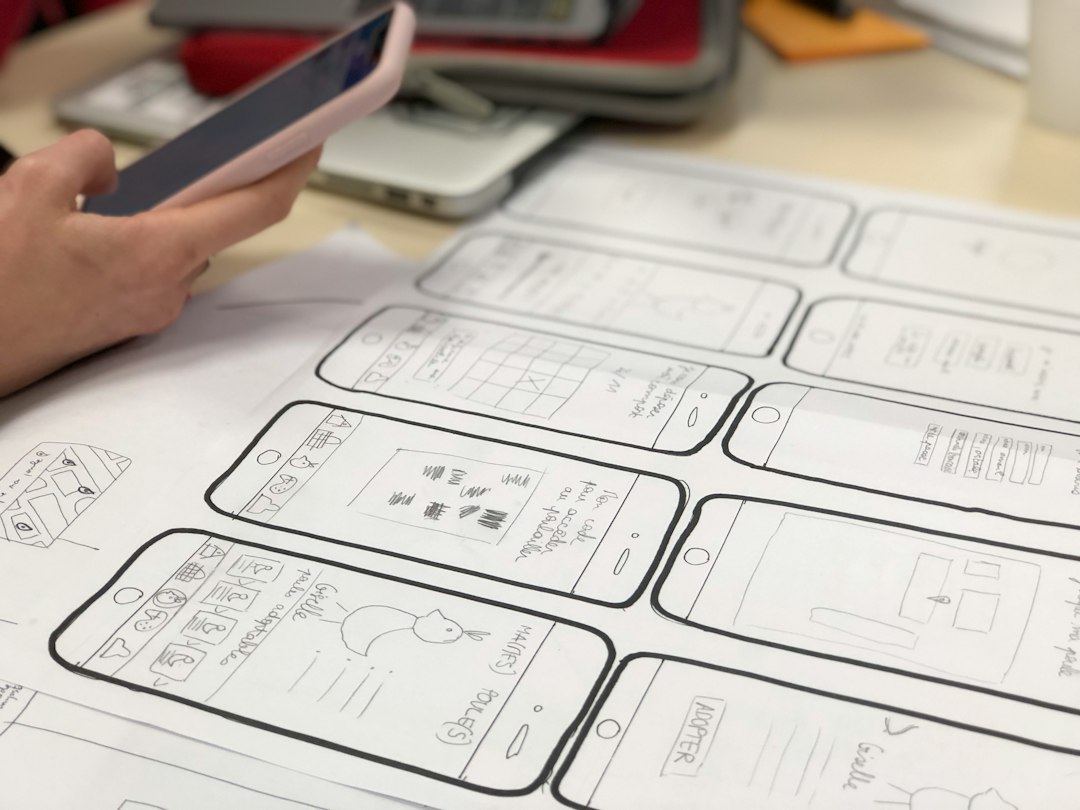
Figma: best for interface clarity and design confidence
Figma is the stronger tool when visual detail matters. It gives designers precise control over spacing, typography, grids, components, variants, and responsive layouts. If you need a professional interface that product managers, designers, and engineers can review together, Figma is hard to beat.
Its biggest strength is also practical: teams already understand it. Comments, version history, design systems, interactive links, and developer handoff are mature. A product manager can leave notes directly on a screen. A designer can update a component once and change it across twenty screens. An engineer can inspect spacing and assets without guessing.
Figma works especially well for:
- Low and mid fidelity wireframes for early idea testing.
- High fidelity UI mockups for stakeholder approval.
- Clickable flows for onboarding, checkout, dashboards, and mobile apps.
- Design systems with reusable components and brand rules.
- User testing sessions where the goal is to observe confusion, hesitation, and task completion.
The limitation is clear. Figma prototypes are mostly visual simulations. Buttons can link to screens, overlays can open, and variables can add some logic. Still, it is not a real app. If your demo needs database records, user roles, generated content, or working filters, expect friction.
Honestly, it feels like you can lose 30 minutes making a fake interaction look convincing when the real issue is that the product needs actual logic. That is where Figma starts to feel stretched.
Lovable: best for app-like prototypes and speed
Lovable takes a different route. Instead of drawing every screen by hand, you describe what you want. The tool generates an application structure, interface, and often the starting logic. For founders, product managers, and technical designers, that is useful. You can move from idea to interactive demo very quickly.
Lovable is well suited for prototypes that need to behave like software. A task tracker can create projects. A marketplace demo can show listings and details. A finance dashboard can display tables, filters, and charts. This gives users and stakeholders something closer to the finished product experience.
Use Lovable when you need:
- A working web app demo rather than static screens.
- Forms, dashboards, tables, and saved states.
- Fast concept validation before hiring a full engineering team.
- Proof of concept builds for investor meetings or internal approval.
- Basic integrations or data-backed flows for testing assumptions.
The catch is that AI-generated products still need adult supervision. Layouts may be generic. Copy can sound flat. Components might not match your brand. Some generated flows work on the surface but break when you test edge cases. You should expect review, prompts, fixes, and manual refinement.

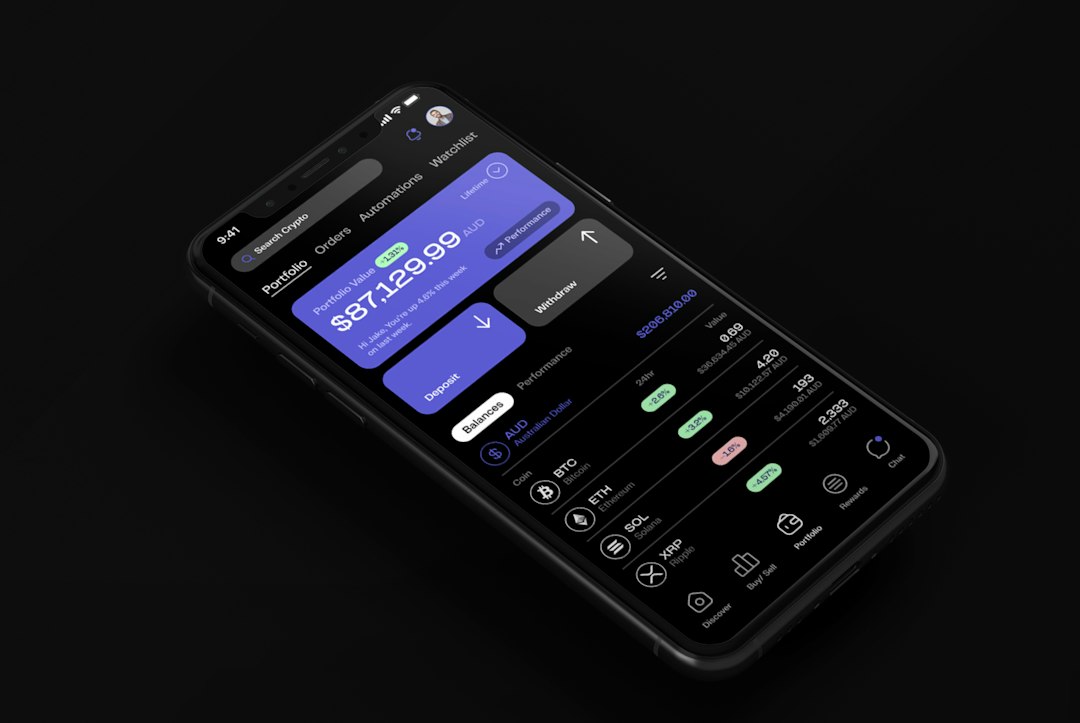
Figma vs Lovable: the practical comparison
Speed: Lovable usually wins when you need a working demo fast. Figma wins when the prototype must look exact and follow a design system.
Design quality: Figma has the advantage. It offers deeper control, better collaboration for design teams, and more reliable visual consistency.
Functionality: Lovable wins. It can create real flows with app behavior, while Figma mainly simulates interaction.
Collaboration: Figma is more established for cross-functional teams. Lovable is helpful for quick building, but review workflows may feel less familiar to design-heavy teams.
Handoff: Figma is excellent for handing designs to engineers. Lovable can produce a starting point closer to code, but teams should still review structure, quality, security, and maintainability.
User testing: Figma is better for testing comprehension, content, and usability. Lovable is better for testing whether users can complete tasks in something that behaves like a product.
When to choose Figma
Choose Figma if your prototype is mainly about communication. This includes new mobile app concepts, SaaS interface redesigns, landing page flows, checkout improvements, and onboarding experiments.
Figma is also the safer choice when brand quality matters. If you are presenting to a board, an enterprise client, or a design-sensitive customer, rough generated interfaces can hurt credibility. A polished Figma prototype lets you control the narrative.
A good Figma workflow looks like this:
- Map the core journey, usually 5 to 8 key screens.
- Build low fidelity wireframes to test structure.
- Add real copy, not placeholder text.
- Create clickable paths for the main tasks.
- Run 5 user tests and track repeated confusion.
- Polish only after the flow works.
Five tests are often enough to reveal the obvious problems. If three out of five people miss the pricing button, the issue is not personal taste. It is a design problem.
When to choose Lovable
Choose Lovable when the prototype needs working behavior. This is common for internal tools, SaaS dashboards, marketplaces, AI products, booking systems, and workflow apps. If the value of the product depends on users adding, editing, filtering, or saving information, a visual mockup may not be enough.
A good Lovable workflow looks like this:
- Write a short product brief with users, tasks, and core screens.
- Prompt for the smallest usable version, not the dream version.
- Test the main flow immediately.
- Fix broken logic and unclear UI.
- Add polish only after the prototype works.
- Review code and data handling before serious use.
Expect to waste time on vague prompts. “Build me a CRM” is too broad. “Build a CRM prototype for a three-person sales team with contacts, deal stages, notes, and a weekly pipeline view” is much better.


The best answer is often both
For many teams, the strongest process is not Figma or Lovable. It is Figma then Lovable.
Start in Figma to define the user journey, information structure, and visual direction. This prevents random screens and weak product thinking. Once the flow is clear, use Lovable to create an app-like prototype that proves whether the workflow holds up in practice.
This combination works well for founder-led teams. It also helps product teams avoid a common trap: building too soon with unclear requirements. Figma reduces ambiguity. Lovable reduces the gap between mockup and working demo.
Final recommendation
If you have one week, choose based on the risk. If the risk is that users will not understand the product, use Figma. If the risk is that the workflow will not function well, use Lovable. If the product is important and the budget allows it, use both in sequence.
Figma gives you confidence in the experience. Lovable gives you confidence in the behavior. Rapid prototyping works best when you are honest about which type of confidence you need first.