



Mailchimp is usually the better RSS to email choice for ecommerce brands and teams that need polished templates, while ConvertKit is usually better for creators who want clean, personal emails with simple subscriber targeting. Both can turn blog posts, podcast updates, or news feeds into email campaigns. The better pick depends on whether the sender cares more about design control and reporting or speed, simplicity, and creator-style automation.
TLDR: Mailchimp suits brands that want visual newsletters, product blocks, and stronger campaign reports. ConvertKit suits bloggers, educators, podcasters, and solo creators who want RSS emails that feel handwritten. For example, a food blogger publishing 8 posts per month could save about 3 to 5 hours monthly by using RSS automation instead of building every newsletter manually. If that blogger has 10,000 subscribers and a 35% open rate, each automated send could put a new recipe in front of roughly 3,500 readers without extra publishing work.
What RSS to Email Actually Does
RSS to email takes new content from an RSS feed and sends it to an email list. A feed might come from a blog, podcast, YouTube channel, news site, or ecommerce content hub. The email platform checks the feed on a schedule, pulls in new items, and sends them as a campaign or digest.
This is useful for publishers that post often. It reduces repetitive work. It also keeps subscribers informed without forcing the team to copy titles, images, excerpts, and links by hand.
The simple version looks like this:
- A new post is published on a site.
- The RSS feed updates with the title, link, excerpt, date, and sometimes an image.
- The email tool checks the feed at a set time.
- An email is sent to the selected audience.


Mailchimp for RSS to Email
Mailchimp has long been known for automated RSS campaigns. It can send daily, weekly, or monthly emails when new feed items appear. It also gives teams plenty of control over layout, branding, images, buttons, and campaign reports.
Mailchimp is strongest when a business wants the RSS email to look like a branded newsletter. Retailers, agencies, nonprofits, and media teams often like this. The editor supports designed email blocks, logos, columns, and promotional sections. A store can mix recent blog posts with product recommendations, discount banners, and calls to action.
The platform also has helpful analytics. Teams can review open rates, click rates, unsubscribes, top links, device data, and revenue tracking when ecommerce is connected. That matters when a newsletter is part of a larger sales plan.
Where Mailchimp works well:
- Branded newsletters with visuals and structured layouts.
- Ecommerce stores that want products and content in one email.
- Teams that need client-friendly reports.
- Publishers sending weekly roundups from a content feed.
- Brands with multiple audience groups and campaign goals.
The catch is that Mailchimp can feel heavier than needed for simple creator updates. Setting up design blocks, RSS merge tags, and audience rules may take longer than expected. It drives some teams crazy that a small layout change can turn into a 15-minute template cleanup session.
ConvertKit for RSS to Email
ConvertKit, also known as Kit, takes a creator-first approach. Its RSS to email tools are built for sending new articles, podcast notes, and creator updates to subscribers without much fuss. The emails often look more like personal messages than magazine layouts.
That is a major advantage for writers, coaches, educators, and independent publishers. Plain, simple emails can feel direct. They may also avoid the “promotional flyer” look that makes readers tune out.
ConvertKit is especially useful when the sender wants to aim RSS emails at subscribers based on tags, forms, purchases, or interests. A creator might send writing posts to one segment, podcast recaps to another, and paid course updates to customers only.
Where ConvertKit works well:
- Bloggers and newsletter creators who prefer simple emails.
- Podcasters sending episode updates from a feed.
- Coaches and course creators using tags and segments.
- Writers who want email to feel personal.
- Small teams that do not want a bloated editor.
Honestly, it feels like ConvertKit was made for people who would rather write than manage email design. That is good, unless the team needs deep visual branding. It is not the best fit for newsletters that need lots of columns, product grids, or heavy design control.


Mailchimp vs ConvertKit: Key Differences
| Feature | Mailchimp | ConvertKit |
|---|---|---|
| Best fit | Brands, ecommerce, agencies, larger marketing teams | Creators, bloggers, podcasters, educators |
| Email style | Designed, branded, promotional | Simple, personal, text focused |
| RSS setup | Powerful but can feel more complex | Cleaner and more creator friendly |
| Segmentation | Audience and campaign based | Tag and interest based |
| Reporting | Stronger for campaign and ecommerce metrics | Clear enough for creator newsletters |
Design and Branding
Mailchimp wins on design flexibility. It gives teams more visual tools, more layout options, and better support for image-heavy newsletters. A fashion store, travel site, or product brand may prefer Mailchimp because the campaign can match the rest of the brand.
ConvertKit wins on simplicity. Its emails are cleaner and usually faster to create. This matters for creators who publish often. When every RSS email needs to be checked before sending, fewer moving parts can mean fewer errors.
Automation and Targeting
Both tools support automation, but they think about audiences differently. Mailchimp often centers work around audiences, segments, campaigns, and customer journeys. ConvertKit centers work around subscribers, tags, forms, sequences, and purchases.
For RSS to email, this difference is practical. A media brand may want one weekly digest for all readers, with a few campaign variations. Mailchimp handles that well. A creator may want to send different RSS updates based on reader interest. ConvertKit often feels smoother for that use.
Analytics and Growth Tracking
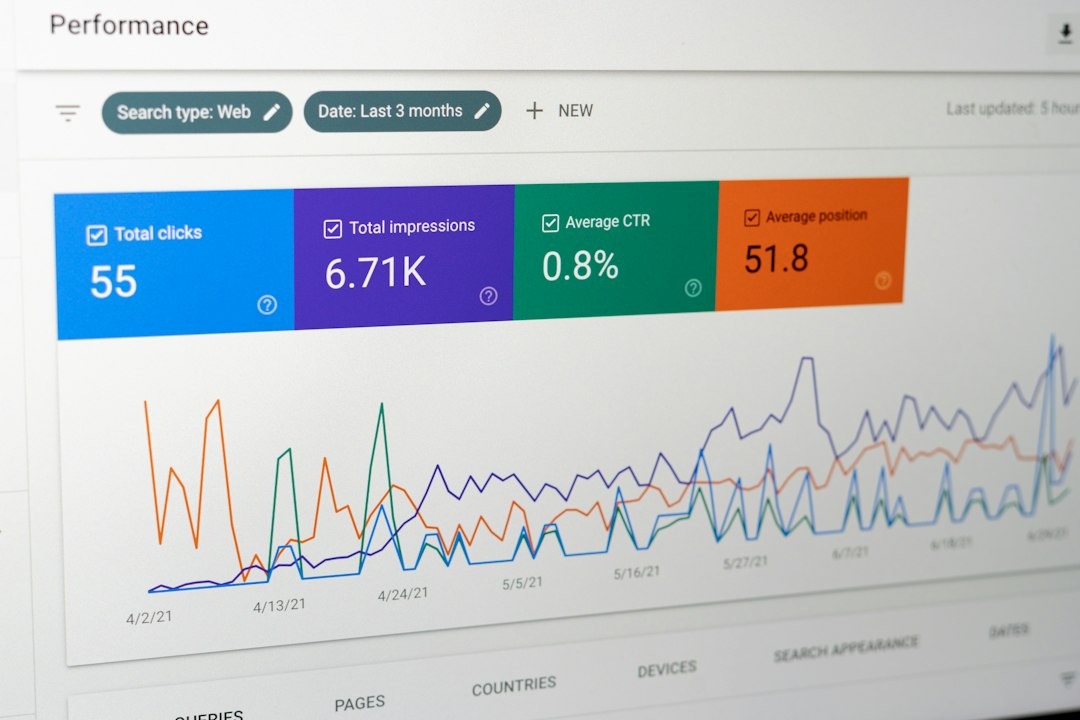
Mailchimp has the edge for deeper reporting. Its dashboards can show campaign performance, audience trends, click maps, ecommerce revenue, and comparisons. That helps teams that present results to managers or clients.
ConvertKit keeps the numbers simpler. Creators can still track opens, clicks, unsubscribes, and subscriber growth. For many independent publishers, that is enough. They care less about complex dashboards and more about whether the email sends on time and brings readers back.

Pricing Considerations
Pricing changes over time, so teams should check current plan limits before choosing. In general, Mailchimp can become more costly as contact counts and advanced features grow. ConvertKit can also get expensive at higher subscriber levels, but its pricing often feels easier to understand for solo creators.
The better price depends on list size, sending frequency, automation needs, and whether the account stores inactive contacts. A list with 20,000 subscribers and frequent sends should be priced carefully in both systems.
Which One Should a Publisher Choose?
Mailchimp is the better choice when the RSS email needs strong branding, image-rich layouts, ecommerce tracking, and detailed reports. It suits businesses that treat email as part of a wider marketing program.
ConvertKit is the better choice when the sender wants simple RSS emails, audience tags, creator-friendly workflows, and less time spent editing templates. It suits people who publish ideas, lessons, episodes, essays, or updates.
For many publishers, the deciding question is simple: should the RSS email look like a polished newsletter or feel like a personal note? Mailchimp is better for the first. ConvertKit is better for the second.
FAQ
Can Mailchimp send emails from an RSS feed?
Yes. Mailchimp can create RSS-based campaigns that check a feed and send new posts on a chosen schedule, such as daily, weekly, or monthly.
Can ConvertKit send RSS emails automatically?
Yes. ConvertKit can use RSS feeds to help creators send new post updates or digests to subscribers. It is especially useful for bloggers, podcasters, and writers.
Which tool is easier for beginners?
ConvertKit is usually easier for creators who want simple text-based emails. Mailchimp may take more setup time, especially when custom designs and RSS tags are involved.
Which is better for ecommerce RSS emails?
Mailchimp is usually stronger for ecommerce because it offers richer design options, store integrations, product blocks, and revenue reporting.
Which is better for bloggers?
ConvertKit is often better for bloggers who want personal updates and tag-based subscriber targeting. Mailchimp is better when the blog needs a highly branded digest.
Do RSS emails hurt engagement?
Not if they are useful and well timed. Engagement may drop if emails are too frequent, too long, or filled with weak excerpts. Weekly digests often perform better than sending every single post.
Should a publisher review RSS emails before they send?
Yes, at least during the first few sends. Feed formatting, image sizes, broken excerpts, and odd titles can cause problems. A short testing period prevents embarrassing mistakes.