
Computer labs can feel like tiny tech cities. There are students logging in. Printers are blinking. Apps need updates. Someone forgot a password. Someone else is playing a game during class. Good computer lab management software helps schools and universities keep all of this under control, without turning the IT team into superheroes with no sleep.
TLDR: The best computer lab management software helps teachers watch screens, guide students, protect devices, track usage, and manage software licenses. LanSchool, NetSupport School, Faronics Insight, Veyon, Impero Education Pro, LabStats, and Sassafras AllSight are strong options. Pick the tool that fits your lab size, budget, privacy needs, and support team. For many schools, the best choice is the one that is simple, stable, and easy for teachers to use.

Why computer lab management software matters
A computer lab is not just a room with computers. It is a learning space. It is also a shared resource. Many people use the same machines every day. That can get messy fast.
Lab management software helps with three big jobs. First, it helps teachers teach. Second, it helps IT teams maintain computers. Third, it helps schools understand how their labs are used.
Without it, teachers may walk around the room all day. IT staff may fix the same problem again and again. Administrators may guess how many computers they need. That is not fun. It is also not efficient.
What should good lab software do?
The best tools make life easier. They do not add more chaos. Look for features that solve real problems in your school.
- Screen monitoring: Teachers can see student screens from one dashboard.
- Screen sharing: Teachers can show their screen to the whole class.
- Device control: Teachers can lock screens or close distractions.
- Website control: Schools can block unsafe or distracting sites.
- Remote support: IT staff can fix issues without walking across campus.
- Usage reports: Admins can see which labs, apps, and devices are used.
- Software license tracking: Schools can avoid paying for unused licenses.
- Security tools: Labs stay safer from unwanted changes or misuse.
1. LanSchool
LanSchool is one of the most popular classroom management tools. It is made for teachers who need to guide student activity. It works well in K 12 schools and higher education labs.
Teachers can view student screens. They can blank screens. They can limit websites. They can send messages. They can also help students who are stuck. It feels like a digital classroom control panel.
Best for: Schools that want strong classroom control.
Why it is good: It is simple for teachers. It has useful monitoring tools. It supports many learning settings.
Watch out for: Some features may need setup help from IT. Privacy rules should be clear before using screen monitoring.
2. NetSupport School
NetSupport School is a powerful choice for computer labs. It has been around for a long time. That is a good thing. It is mature and feature rich.
Teachers can monitor screens, share lessons, test students, collect files, and control web access. It also has tools for student feedback. That makes lessons more interactive.
This software is great when teachers want more than screen watching. It supports teaching, testing, and engagement.
Best for: Schools that want a complete teaching toolkit.
Why it is good: It has many classroom features. It works well in traditional labs.
Watch out for: The number of features can feel large at first. Training helps a lot.
3. Faronics Insight
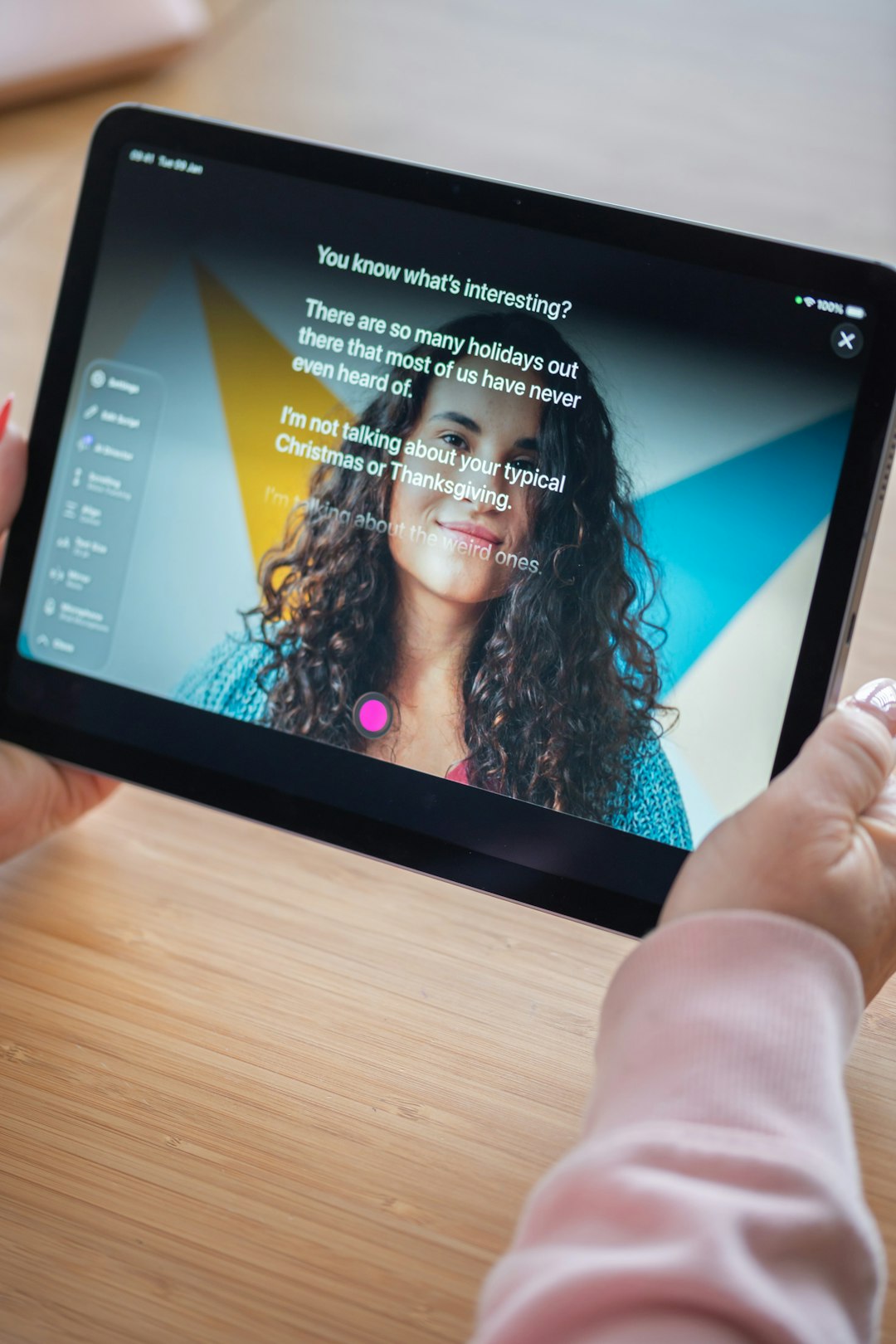
Faronics Insight is built for classroom control and student focus. It helps teachers keep eyes on learning. It is especially useful in labs where students can easily wander into games, videos, or unrelated websites.
Teachers can see thumbnails of student screens. They can open apps or websites for the class. They can lock keyboards and mice when needed. They can also send quick messages.
Faronics is also known for Deep Freeze, a tool that restores computers to a clean state after restart. When used together, these tools can make lab maintenance much easier.
Best for: Labs that need focus tools and reliable classroom control.
Why it is good: It is practical. It supports active teaching. It pairs well with device recovery tools.
Watch out for: Make sure it fits your network setup and device types.
4. Veyon
Veyon is a favorite for schools that want a free and open source option. Yes, free can be good. Very good, in fact.
Veyon lets teachers view student screens, take control of computers, lock screens, and share the teacher screen. It works best on Windows and Linux systems. That makes it useful for schools with tight budgets or Linux labs.
The big benefit is cost. The big challenge is setup. Open source tools often need more technical skill. If your IT team is comfortable with configuration, Veyon can be a smart choice.
Best for: Budget friendly schools and universities.
Why it is good: It is free. It is open source. It has core classroom features.
Watch out for: Support depends on your team or community resources.
5. Impero Education Pro
Impero Education Pro is more than a lab tool. It is a student safety and classroom management platform. It helps schools monitor devices, manage behavior, and support digital wellbeing.
Teachers can view screens and guide student work. Admins can monitor for risky online behavior. Schools can create policies for device use. This can be helpful when labs are part of a larger one to one device program.
Best for: Schools that care about classroom control and student safety.
Why it is good: It combines monitoring, management, and safeguarding.
Watch out for: Some features may be more than a small lab needs.
6. LabStats
LabStats looks at computer lab management from another angle. It focuses on usage data. That may sound boring. It is not. It can save a lot of money.
LabStats shows which computers are used. It shows when they are used. It also shows which software is actually opened. This helps universities plan lab hours, reduce waste, and manage software licenses.
For example, a university may think it needs 80 computers in a lab. LabStats may show that only 35 are used most days. Or it may show that an expensive app is barely touched. That is useful information.
Best for: Universities and large campuses that need data.
Why it is good: It helps with planning, budgeting, and license decisions.
Watch out for: It is not a teacher screen control tool. It is more about analytics.
7. Sassafras AllSight
Sassafras AllSight is another strong choice for higher education. It focuses on IT asset management, software usage, and license tracking. It helps schools know what they own and what they use.
This is important for universities with many labs, departments, and specialized apps. Think design labs, engineering labs, science labs, and media labs. Those apps can cost a lot. Tracking them matters.
AllSight can help IT teams reduce unused software. It can also support compliance. That means fewer surprises during audits.
Best for: Universities with complex software and hardware environments.
Why it is good: It is strong for asset and license management.
Watch out for: It is more technical than basic classroom tools.
How to choose the best one
There is no single winner for every school. A small elementary school has different needs than a large university. So start with your biggest problem.
- If students get distracted, choose LanSchool, NetSupport School, or Faronics Insight.
- If budget is tight, look at Veyon.
- If student safety is a top concern, consider Impero Education Pro.
- If you need usage reports, choose LabStats.
- If you need license and asset tracking, look at Sassafras AllSight.
Also think about age groups. Younger students may need more teacher control. University students may need more freedom. The software should match the learning style.
Questions to ask before buying
Before you sign any contract, ask simple questions. Simple questions prevent big headaches.
- Does it work with our devices? Check Windows, macOS, ChromeOS, and Linux support.
- Is it easy for teachers? If it is hard, they may not use it.
- Does it protect privacy? Screen monitoring needs clear rules.
- Can IT manage it easily? Setup and updates should not be painful.
- Does it scale? A tool for 30 computers may not work for 3,000.
- What support is included? Good support is worth a lot.
- How does pricing work? Ask about devices, users, labs, and renewals.
Privacy and trust matter
Screen monitoring is powerful. That means it must be used with care. Students should know when monitoring happens. Teachers should know the rules. Parents may need information too, especially in K 12 schools.
Use the software for learning and safety. Do not use it to create fear. A good policy is clear, fair, and easy to explain. Trust is part of good technology.
Best overall picks
If you want a simple shortlist, here it is.
- Best for classroom control: LanSchool
- Best full teaching toolkit: NetSupport School
- Best for focused labs: Faronics Insight
- Best free option: Veyon
- Best for student safety: Impero Education Pro
- Best for lab analytics: LabStats
- Best for licenses and assets: Sassafras AllSight
Final thoughts
The best computer lab management software is not always the fanciest one. It is the one your teachers will use. It is the one your IT team can support. It is the one that helps students learn without extra drama.
For schools focused on teaching, tools like LanSchool, NetSupport School, and Faronics Insight are excellent choices. For tight budgets, Veyon is a strong option. For universities that need data and license control, LabStats and Sassafras AllSight are hard to ignore.
Start small if you can. Test the software in one lab. Ask teachers what they think. Ask students too. Then expand with confidence. A well managed computer lab feels calm, useful, and ready for learning. That is the real win.